RELATED APPS
SCREENSHOTS
DESCRIPTION
Privacy-First Architecture for Your Personal Data
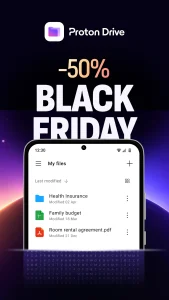
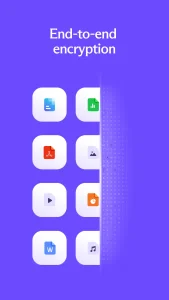
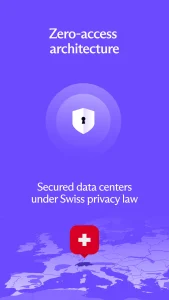
In a landscape dominated by data-harvesting giants, Proton Drive offers a refreshing alternative that prioritizes user sovereignty. Unlike many cloud services that scan your files for metadata or advertising insights, this platform employs end-to-end encryption that secures not just your documents, but the filenames and folder structures themselves. Because the decryption keys remain on your device, even the developers at Proton AG have zero visibility into your private digital vault, making it an essential tool for those who handle sensitive information.
Seamless Backup and Media Management
Managing mobile media becomes effortless with the app’s automatic photo and video backup feature. It preserves your files in their original quality, ensuring that your memories are never compromised by aggressive compression. For those who need to manage large collections, the interface allows for intuitive album organization and instant previews. If you find yourself needing to share media or documents with others, you might also consider the free file backup app to handle secondary, less sensitive storage needs alongside your encrypted Proton files.
Collaboration and Secure Sharing
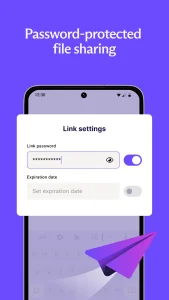
Sharing files is often where security lapses occur, but Proton Drive mitigates these risks through granular control. You can generate secure, password-protected links with customizable expiration dates, ensuring that sensitive data isn’t left accessible indefinitely. The integration of Proton Docs and Sheets allows for real-time collaboration, keeping your workflow centralized within a secure ecosystem. While Proton handles your file storage and documents, you might still use a specialized HD video conferencing app for your professional meetings, knowing that your shared documents remain securely tucked away in your encrypted drive.
Reliability and Android Compatibility
The app is highly optimized for the Android environment, maintaining a small footprint on system resources while providing robust background sync capabilities. Version history is a standout feature, allowing users to roll back changes for up to 10 versions on the free tier or up to 200 versions on premium plans. Proton Drive is compatible with current Android versions, ensuring a stable experience whether you are using a flagship device or a budget-friendly handset. With its Swiss-based legal protection and open-source verification, it remains one of the most trustworthy options for long-term data archival.
APP TRAILER