


Google Cast
RELATED APPS





SCREENSHOTS
DESCRIPTION
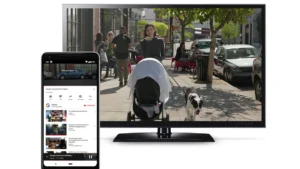
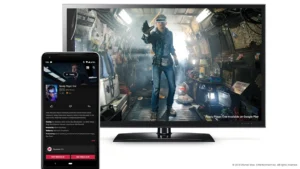
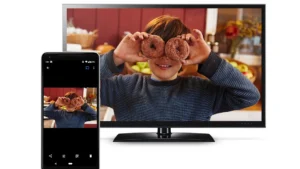
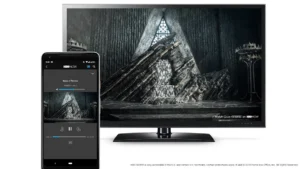
Google Cast is a technology developed by Google Commerce Ltd that allows for multi-screen experiences. By using this tool, you can send and control content from smaller devices like your phone, tablet, or laptop directly to a large display such as a television. Getting the Google Cast APK provides a bridge, making it simple to manage your media across different screens in your home. It ensures that your mobile content transitions to your television screen whenever you need a larger display.
Using the Google Cast APK for Media
The primary function of Google Cast is to provide a reliable way to mirror or send video and other media to supported devices. It includes Chromecast built-in features specifically for Android TV. This makes your television part of your connected ecosystem, allowing you to move your viewing experience from a mobile screen to a larger display with just a few taps. Because it is optimized for high-quality streaming, you can expect consistent performance when watching your favorite content using the Google Cast technology.
You might also be interested in other utilities for your device, such as the ZArchiver Pro Donate tool for managing your files. For those who want to play games on the go, you can also look into the Minecraft Java: PojavLauncher to bring desktop experiences to your mobile device.
Getting Started with Your Device
This software is available and pre-installed only on Google approved Android TV devices. Because of this, you do not need to perform a manual installation on compatible hardware. It runs in the background to ensure that your TV is ready to receive content from your phone or tablet at any time. When you use Google Cast, ensure both your sender device and your Android TV are connected to the same network for the best results.
Quick Facts
Strengths and Limitations
Strengths:
- Enables easy multi-screen media control.
- Supports high-quality video streaming to large displays.
- Built-in technology for Android TV integration.
Limitations:
- Available only on pre-approved Google Android TV devices.
- Limited user control compared to standalone streaming apps.
Who Should Use This App
This technology is ideal for users who own a Google approved Android TV and want to share video content from their mobile devices effortlessly. If you frequently watch movies or videos on your phone but prefer the comfort of a large television screen, this is the standard tool for the job. Those who do not own supported Android TV hardware will not be able to utilize these features.
Is Google Cast free to use?
Yes, the application is free to use on supported devices.
Does this app work offline?
No, the streaming functionality requires an active network connection to link your devices.
Can I install this on any Android phone?
The software is designed to be pre-installed on specific Google approved Android TV devices rather than as a standalone app for all mobile phones.
