

Watch Face Push API
RELATED APPS





SCREENSHOTS
DESCRIPTION
What is the Watch Face Push API?
Have you ever wondered how your smartwatch receives new designs from your phone? The Watch Face Push API is a background system component developed by Google Commerce Ltd. Its primary job is to bridge the gap between third-party applications and your wearable device. By implementing specific APIs, it allows developers to push watch faces created with the Watch Face Format directly to your compatible hardware.
This system app works quietly in the background to ensure that your wearable experience remains consistent. When you choose to download a new watch face from an external source or a supported app, this interface handles the communication. Because it is a system-level utility, you do not interact with it directly like a standard app. It is designed to run automatically whenever you install or update custom watch faces on your device.
If you enjoy customizing your smartwatch, you might also find other utility tools useful for your mobile device. For instance, if you need to manage compressed files, you can check out ZArchiver Pro Donate for advanced file handling. Similarly, users who like to experiment with software often explore tools like Minecraft Java: PojavLauncher to run desktop applications on mobile hardware.
How to Use the Watch Face Push API
You do not need to perform any manual setup to get the Watch Face Push API running. It is a background service that activates when the system detects a request to install a new watch face format. As long as your device supports the latest Wear OS watch face standards, this component is already working in the background to facilitate those transfers.
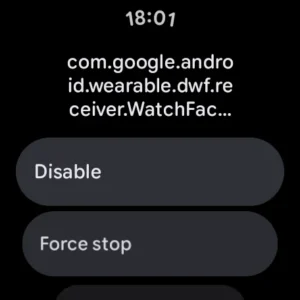
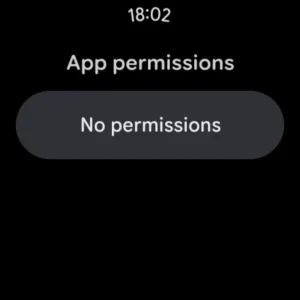
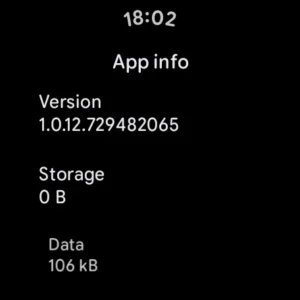
There is no user interface, icon, or menu for this application. It functions as a receiver that waits for signals from your phone apps. If you encounter issues with watch faces not appearing on your wrist, ensure that your device software is up to date, as this allows the system to communicate effectively with the Watch Face Push API.
Quick Facts
Strengths and Limitations
Strengths:
- Enables the use of modern Watch Face Format files.
- Reliable background synchronization for wearable devices.
- Developed by Google for optimal compatibility with Wear OS.
Limitations:
- No user interface for manual configuration.
- Requires a compatible Wear OS device to function.
- Cannot be opened or launched as a standalone application.
Frequently Asked Questions
Is the Watch Face Push API free?
Yes, this is a free system utility provided by Google Commerce Ltd. It does not contain any advertisements or paid subscription tiers.
Does this app work offline?
The app acts as a receiver for data sent from your phone to your watch. While it does not require an active internet connection to process files locally, the initial delivery of watch face data between your devices relies on your Bluetooth or Wi-Fi connection.
Why is this app on my device?
The Watch Face Push API is a standard system component for devices running Wear OS. It is included to support the installation of watch faces and ensures that third-party design tools can communicate with your smartwatch hardware.
