


Chrome Canary (Unstable) 160.0.8178.0
Google LLC
November 22, 2026
234.4 MB
160.0.8178.0
Android 10
com.chrome.canary
RELATED APPS






SCREENSHOTS
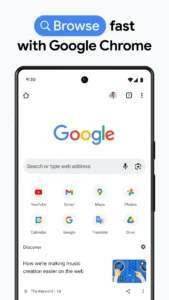
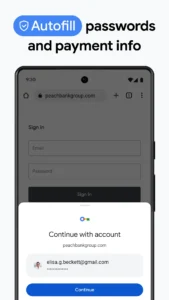
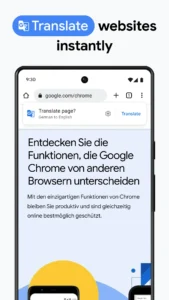
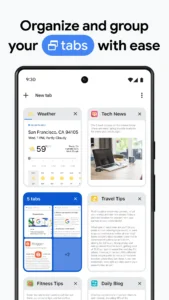
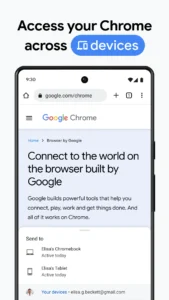
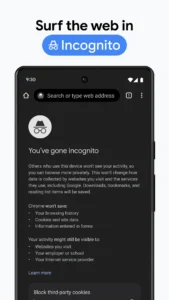
DESCRIPTION
What is Chrome Canary (Unstable) APK?
Have you ever wondered how new browser features are tested before they reach the general public? Chrome Canary (Unstable) APK is the experimental version of the popular Google web browser, designed specifically for developers and advanced users. Published by Google LLC, this build allows you to experience the latest web technologies and interface changes before anyone else. Because this app is experimental, it has not been fully tested and may be unstable or fail to run at times. It is intended for early adopters who want to help improve the browser by providing feedback to the development team. If you are looking for a more stable experience, you might prefer Google Chrome: Fast & Secure for your daily browsing needs.
How Does Chrome Canary (Unstable) APK Work?
The primary goal of this app is to bring new features to your device as quickly as possible. Updates are released frequently, sometimes up to seven times per week. This rapid release cycle means you always have the latest code, but it also consumes significant bandwidth, often around 100MB per update. It is recommended that you be careful when updating the app over cellular data to avoid unexpected charges. By using Chrome Canary (Unstable) APK, you play an active role in development. You can easily report bugs or suggest improvements by navigating to the Help & Feedback section in the app menu. This direct line to the developers helps ensure that the final versions of the browser remain high quality and reliable for the millions of users on the stable release.
Getting Started and Permissions
To install Chrome Canary (Unstable) APK, simply download the package and follow your device’s prompts. Since this is an experimental build, expect the app to change its behavior frequently. The app requests a wide array of permissions to support its testing environment, including access to your camera, microphone, location, and Bluetooth. These permissions allow the browser to test advanced web APIs that require hardware interaction, such as hand tracking and media projection services. The app also requests access to your accounts and storage to ensure that features like bookmark syncing and file downloads function correctly. Because the app is updated so often, you may see requests for new permissions as Google adds experimental capabilities to the browser core. You can manage these in your Android system settings at any time.
Quick Facts
Strengths and Limitations
Strengths:
- Access to the newest features ahead of the stable release.
- Direct feedback channel to Google developers.
- Frequent updates ensure you are always on the cutting edge.
Limitations:
- The app is often unstable or may crash unexpectedly.
- High bandwidth usage due to near-daily updates.
- Not recommended for use as your primary browser.
- Contains advertisements typical of the Google ecosystem.
Who Should Install It?
You should install Chrome Canary (Unstable) APK if you are a web developer or an enthusiast who enjoys testing new software. It is also useful if you want to see how future web standards will behave on mobile devices before they become mainstream. However, if you rely on your browser for work or banking, you should skip this version and stick to a stable release. For those interested in other Google tools, you can explore GCam: Google Camera to see how they handle hardware-specific photography features.
Frequently Asked Questions
Is Chrome Canary free to use?
Yes, the app is free to download and use, though it may contain advertisements typical of the Google ecosystem.
Does this app work offline?
Basic browser functionality works offline, but many features require an active internet connection to download updates and sync data.
Which Android version is required?
The developer does not specify a minimum Android version, but it is optimized for modern devices capable of handling frequent, large updates.
