


Dynamics 365 Business Central 4.6.11041
Microsoft Corporation
November 22, 2026
37.1 MB
4.6.11041
Android 8.0
com.microsoft.dynamics.ProjectMadeira
RELATED APPS






SCREENSHOTS
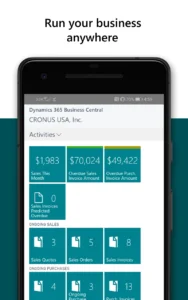
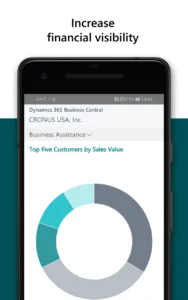
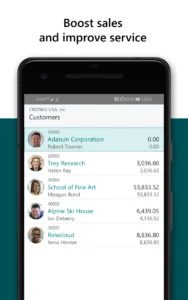
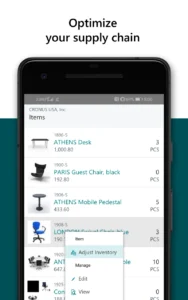
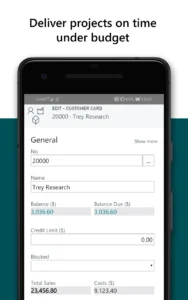
DESCRIPTION
How can the Dynamics 365 Business Central APK help your business?
If you are looking for a unified way to manage your company’s operations, Dynamics 365 Business Central is a comprehensive management solution from Microsoft Corporation. Using the Dynamics 365 Business Central APK is the first step toward connecting your sales, finance, service, and operations departments. By bringing these teams into one application, you can simplify your daily workflows and improve overall efficiency from your phone. This tool is designed specifically for small and medium-sized businesses that need to stay agile in a competitive market.
The Dynamics 365 Business Central app allows you to adapt to new business models with ease. Its flexible cloud-based infrastructure means the software can grow alongside your company. Whether you need to streamline financial closes or track real-time metrics, this tool provides the guided workflows necessary to perform better. You can also explore tools like Kyte: POS, Online Store & Catalog if you need additional inventory management features for your retail business.
Key features for smarter operations
The app focuses on three core pillars: adapting faster, working smarter, and performing better. You get access to contextual next-best-action intelligence and AI features that provide insights into your business processes. Because it works with Microsoft 365, you can easily share data across Teams, Outlook, Word, and Excel. For those who enjoy advanced digital assistants, you might also be interested in Bing: Chat with AI & GPT-4 to help with research and productivity tasks.
Dynamics 365 Business Central also supports custom extensions. You can work with a Microsoft partner to tailor the application to your specific industry requirements. This ensures that the mobile interface provides exactly the data and functions your team needs to stay productive while on the move. By utilizing the Dynamics 365 Business Central APK, you are equipping your staff with the ability to handle daily business tasks, manage customer relationships, and view financial data without needing to be at a desk. The app simplifies complex tasks through step-by-step onboarding guidance, which helps your employees adopt new business habits and digital workflows quickly.
Getting started and technical requirements
To use this app, ensure your device is running Android 14 or newer. During installation, the app will request several permissions to function correctly. These include camera and flashlight access for scanning, location services, and network state monitoring. It also requires access to your contacts and storage to help manage business records and documents. You will need to sign in with your business account to access your company data and sync your information with the cloud. The app uses NFC and other system features to maintain secure connections with your organizational data. Please ensure you have a stable internet connection before launching the app to ensure all financial metrics and real-time data sync properly to your account.
Quick facts about the application
Strengths and limitations
Strengths:
- Deep integration with Microsoft 365 apps like Teams and Excel.
- AI-driven insights for faster decision-making.
- Highly customizable via Microsoft partners to meet unique needs.
- Comprehensive management of financial and operational data in one location.
Limitations:
- Requires a business account and partner-led implementation.
- The app is quite data-intensive.
- Specific requirement for Android 14 or newer on mobile.
- Extensive permission list required for full functionality.
Is Dynamics 365 Business Central free?
The application itself is free to download, but it is part of a larger business management solution that typically requires a subscription and a partner-led implementation.
Can I use this app offline?
The app is designed to connect to the Microsoft cloud for real-time data access. An active internet connection is required for most features and synchronization.
Which Android version do I need?
While the base requirements list Android 8.0, the mobile app specifically requires Android 14 or newer to function properly on your device.
